Click on Gear > Settings. Clic on Vision Cloud (left panel). Click on the green Add Configuration button.
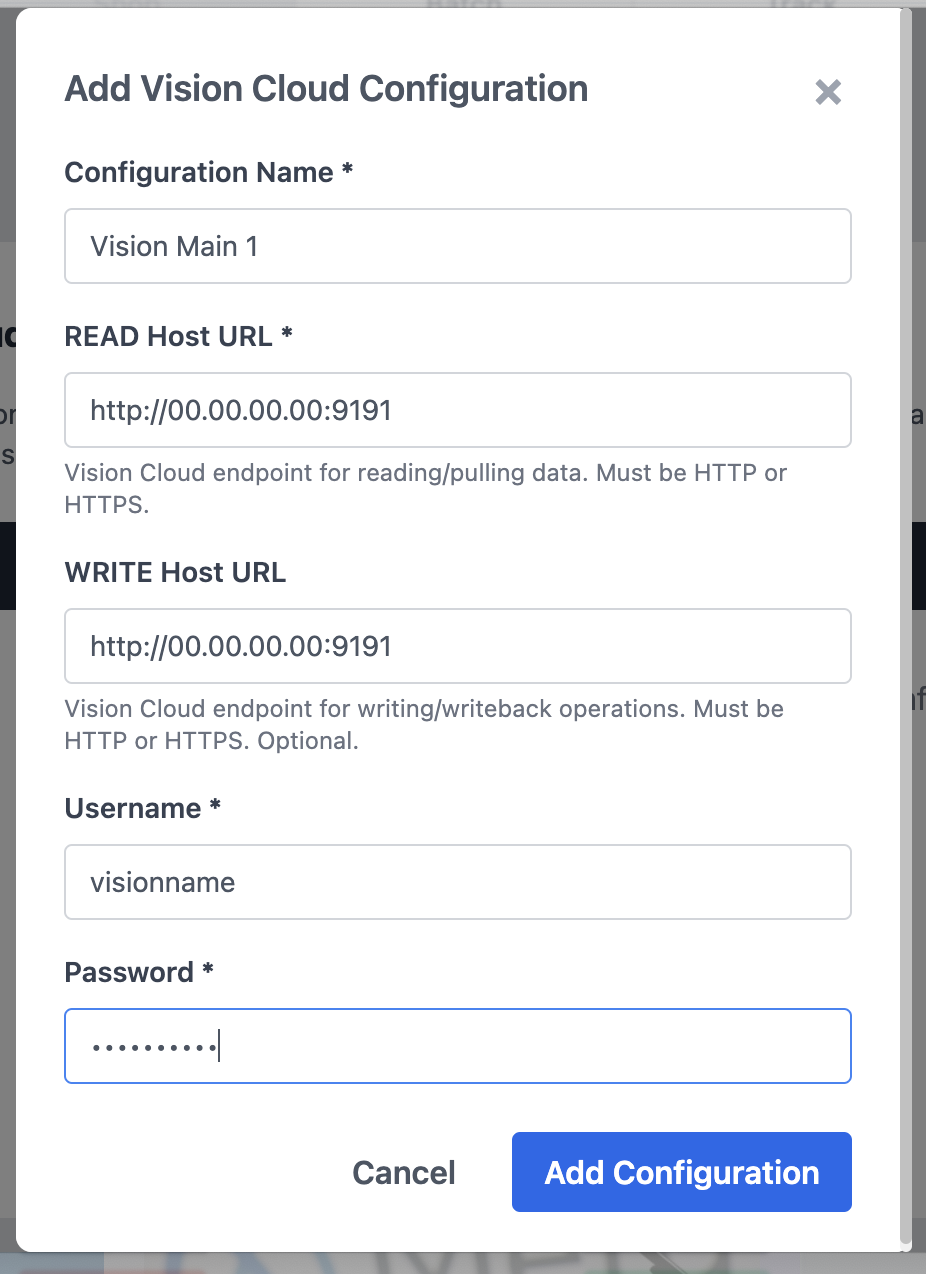
Do not include /PrintSmith/PrintSmith.html in the URL
See sample data below. Enter the configuration name (for your reference), the url for Vision read and writeback. Then, enter the Vision username and password. Press the blue Add Configuration button. Repeat for the other connections you want to create.
Close the ShipLeap app and restart to save the connection(s).
Was this article helpful?
That’s Great!
Thank you for your feedback
Sorry! We couldn't be helpful
Thank you for your feedback
Feedback sent
We appreciate your effort and will try to fix the article