On the ShipLeap app, click on the Gear (top right), Settings, and click on the MONEY tab on the left panel.
Click on the UPDATE CREDIT CARDS section

From here, you can update your information.
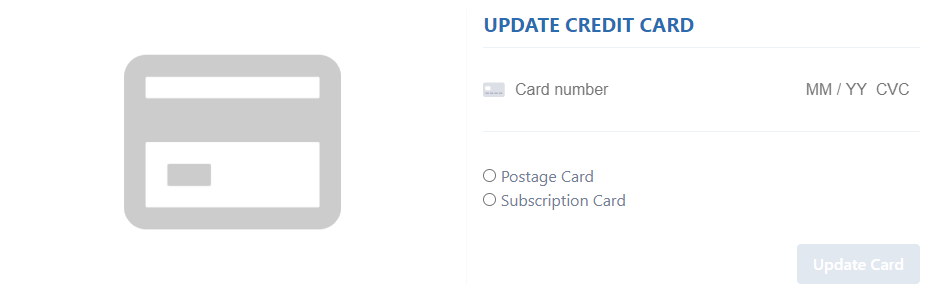
Select POSTAGE CARD for the credit card you want to use to buy USPS postage/labels.
Select SUBCRIPTION CARD for the credit card to use to pay your monthly subscription fees to ShipLeap.
Was this article helpful?
That’s Great!
Thank you for your feedback
Sorry! We couldn't be helpful
Thank you for your feedback
Feedback sent
We appreciate your effort and will try to fix the article