
After version 9.0.2, you can add your own FedEx account.
1. Go to GEAR → MANAGEMENT → CARRIER ACCOUNTS
2. Click on the green + Add Carrier button on the top right
3. Select your Company name
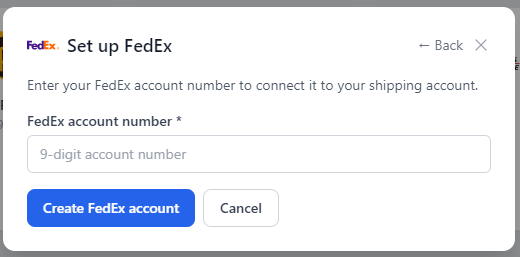
4. Click on the Set up FedEx
5. Enter your FedEx account number and click on the blue Create FedEx account button
6. To Verify the account, please follow the instructions here:
https://shipleap.freshdesk.com/a/solutions/articles/48001283200