FedEx is updating their integration platform and all ShipLeap customers using FedEx must re-authenticate their FedEx account before June 1, 2026 to avoid shipping interruptions.
Before starting:
- Make sure you are running ShipLeap Momentum version 9.0.3 or newer
- Make sure you have access to the phone number associated with your FedEx account
- Make sure you have the exact FEDEX billing address
Step 1: Open Carrier Accounts
In ShipLeap Momentum, navigate to:
GEAR → MANAGEMENT → CARRIER ACCOUNTS
Step 2: Authenticate Your FedEx Account
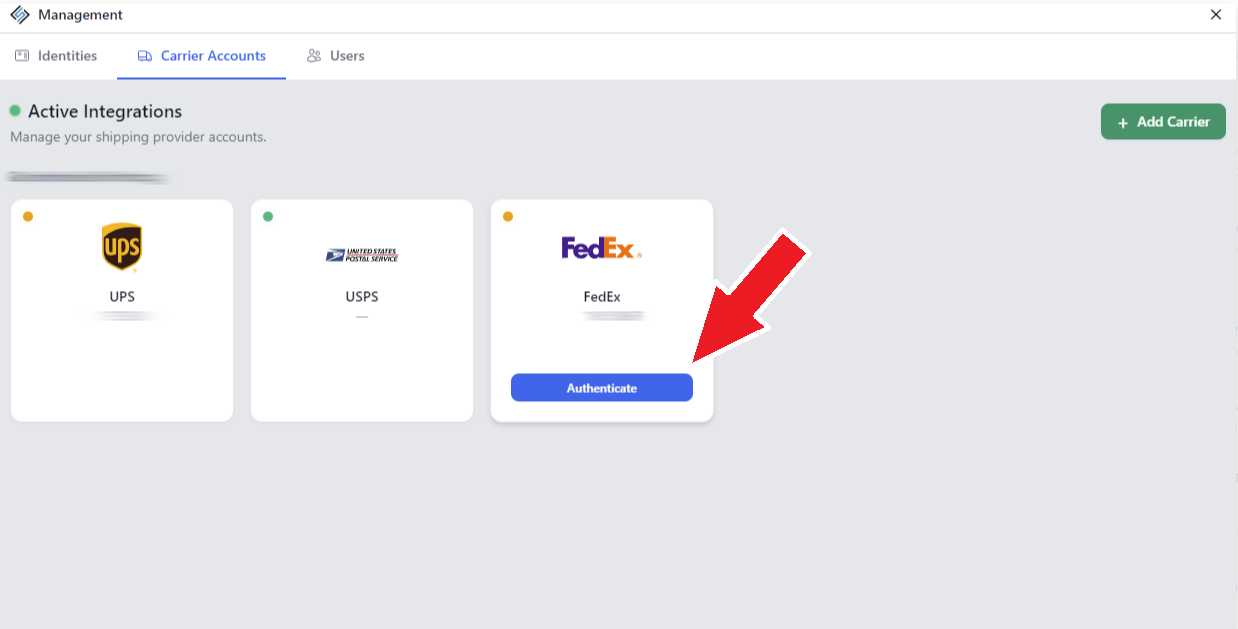
Locate your FedEx account tile.
If authentication is required, you will see a blinking yellow status indicator in the top-left corner of the FedEx tile.
Hover your mouse over the FedEx tile and click the blue AUTHENTICATE button.
Step 3: Verify Your FedEx Account
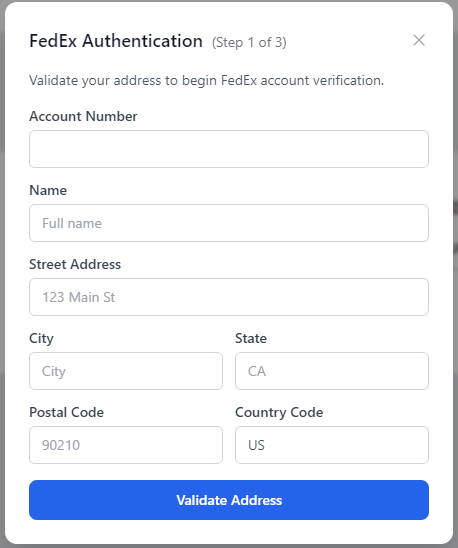
FedEx will ask you to verify your account information.
*** THE ADDRESS YOU ENTER MUST MATCH THE FEDEX BILLING ADDRESS ***
You will need:
- Name on the account
- Billing address
- Access to the phone number registered with FedEx
FedEx will call the registered phone number and provide a verification code.
Enter the code when prompted to complete authentication.
Step 4: Confirm Authentication Was Successful
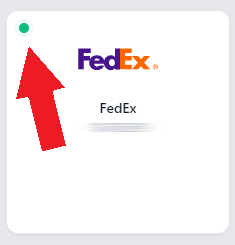
Once completed successfully, the FedEx tile in ShipLeap should display a green status indicator.
If you experience any issues during authentication, please email support@shipleap.com