
When you install ShipLeap Momentum for the first time, you may need to connect UPS and/or FEDEX.
First, click on GEAR > MANAGEMENT > CARRIER ACCOUNTS
For FEDEX, hover over the FEDEX box and the blue AUTHENTICATE button will appear. Click on the blue AUTHENTICATE button. You will need to authenticate over the phone registered with the FEDEX account. Follow the prompt and fill out all the information.
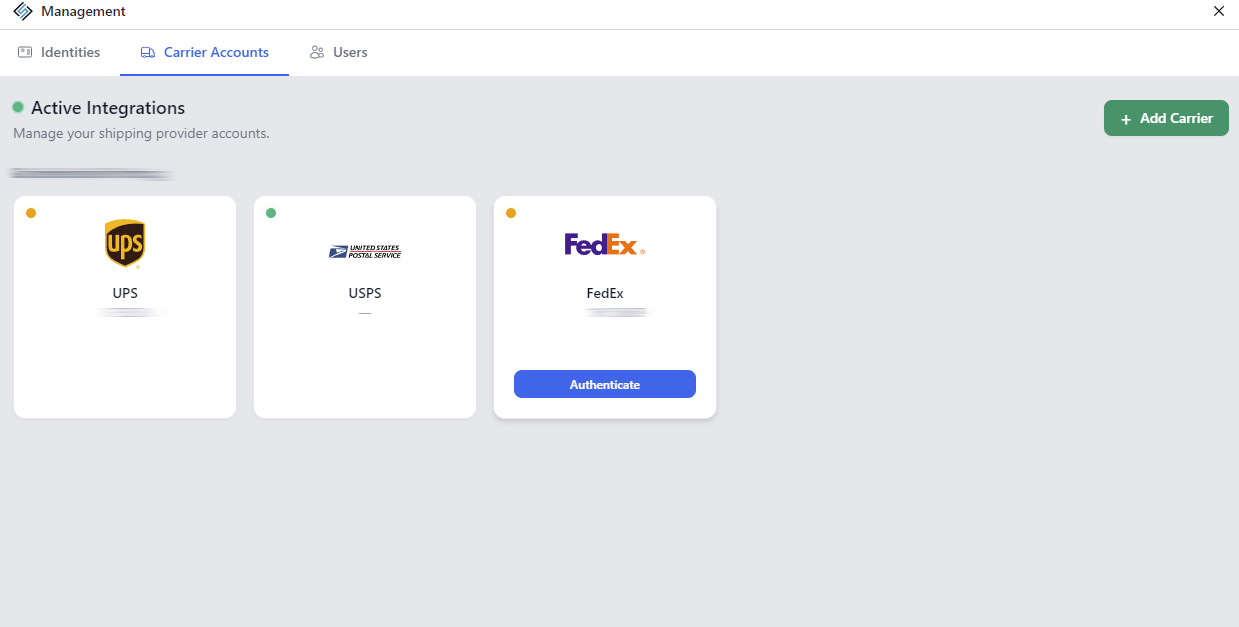
For UPS, a ShipLeap representative will need to authenticate over the phone with you. We will schedule a call to connect the UPS account. You will need to have access to the email registered with the UPS account.