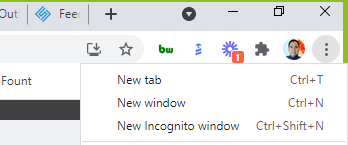
1. Open https://www.ups.com/us/en/Home.page in incognito mode
2. Login with the UPS.com username and password
3. Once you are logged in, type the following into the browser ups.com/upsdeveloperkit
4. Click on Request an access key
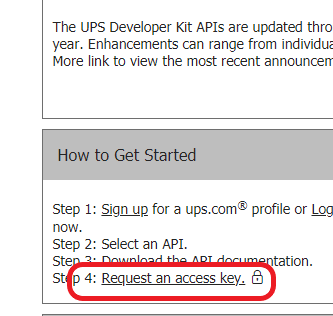
and select below
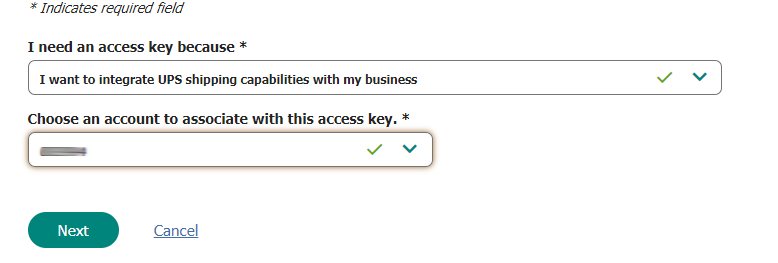
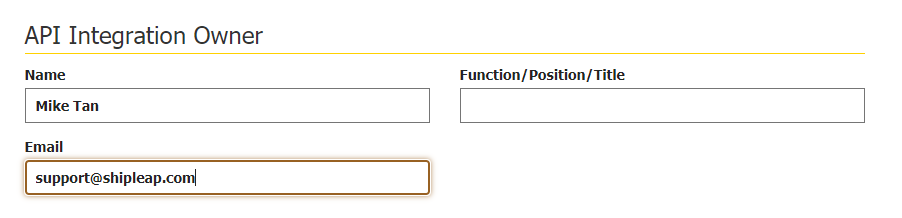
5. Click Next, scroll down past the contact info and under API Integration Owner, type this and leave the "Function/Position/Title" field blank
Mike Tan and support@shipleap.com
6. Hit Next
7. Submit Request
8. Copy the text API code and save it. It should look something like what you see below.
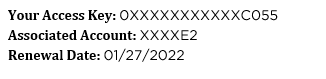
9. Hit done and close screen.
Was this article helpful?
That’s Great!
Thank you for your feedback
Sorry! We couldn't be helpful
Thank you for your feedback
Feedback sent
We appreciate your effort and will try to fix the article