In version 7.0 and up, you can manage your connection to PrintSmith Vision with the Plugins section.
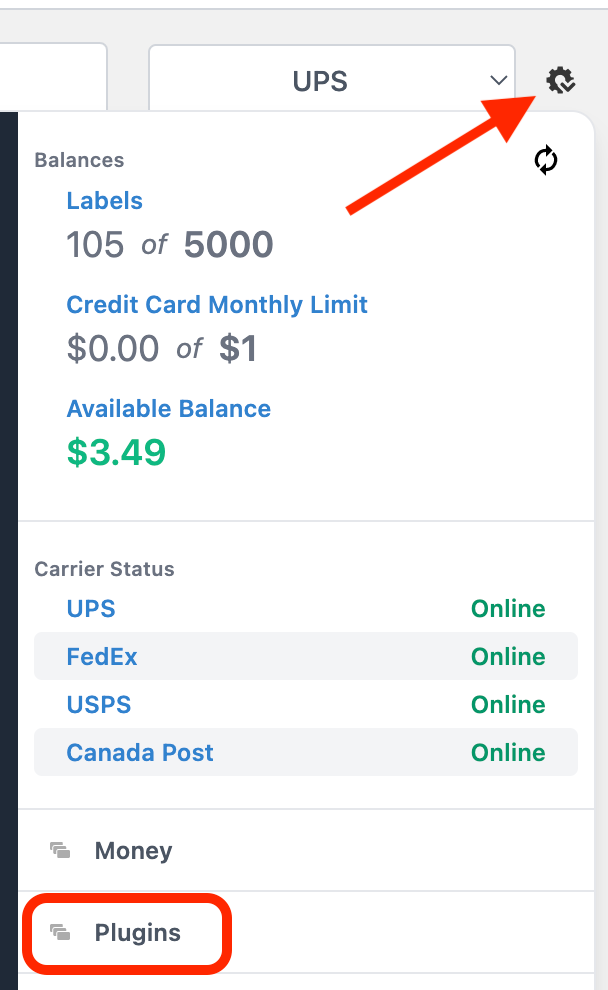
1. Hover over the gear. Then, click on Plugins.
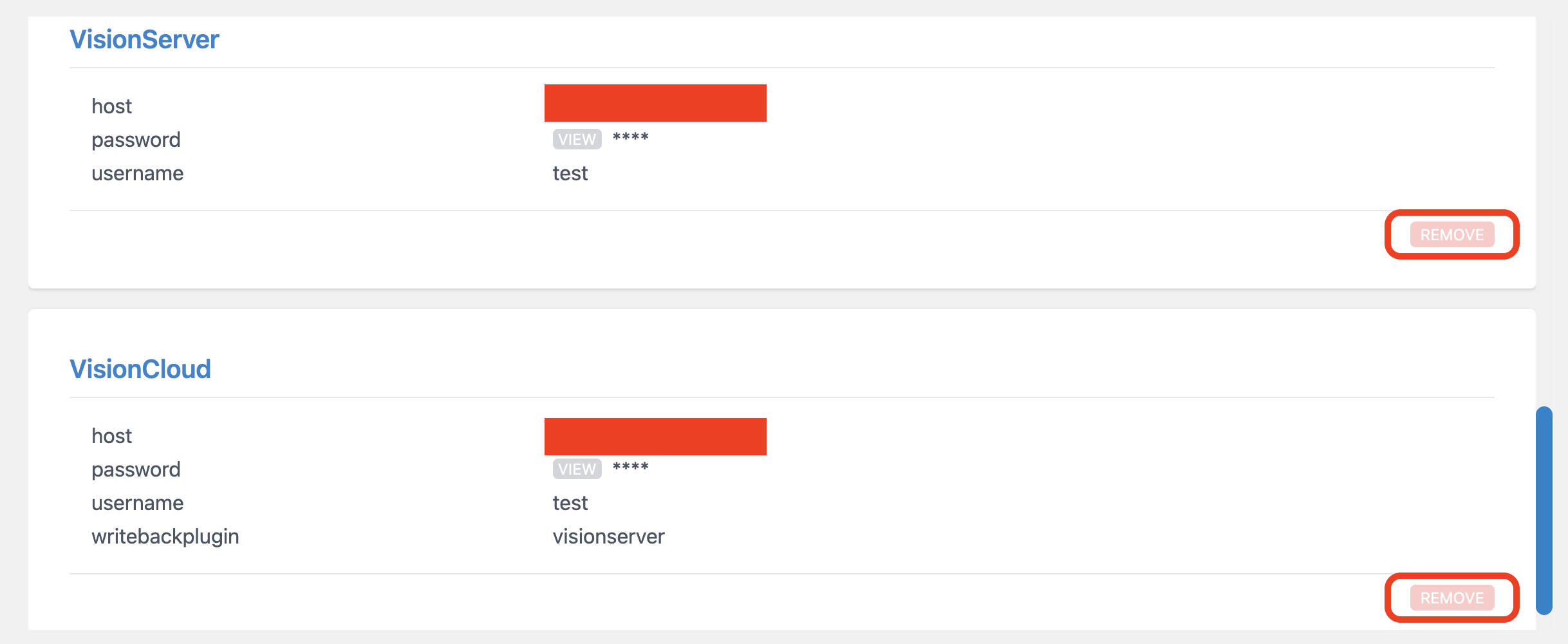
2. From this screen, you can remove the old READ plugin (VisionCloud) and/or the WRITE plugin (VisionServer) by clicking on the corresponding REMOVE buttons.
3. Follow the steps here for create a new connection: https://shipleap.freshdesk.com/a/solutions/articles/48001230555
Was this article helpful?
That’s Great!
Thank you for your feedback
Sorry! We couldn't be helpful
Thank you for your feedback
Feedback sent
We appreciate your effort and will try to fix the article